Every paper,
a perfect PDF.
Turn any paper into a clean, searchable PDF in seconds. ScanDoc finds the edges, flattens the page and sharpens the text — and everything stays on your iPhone.
Features
Everything you need to go paperless.
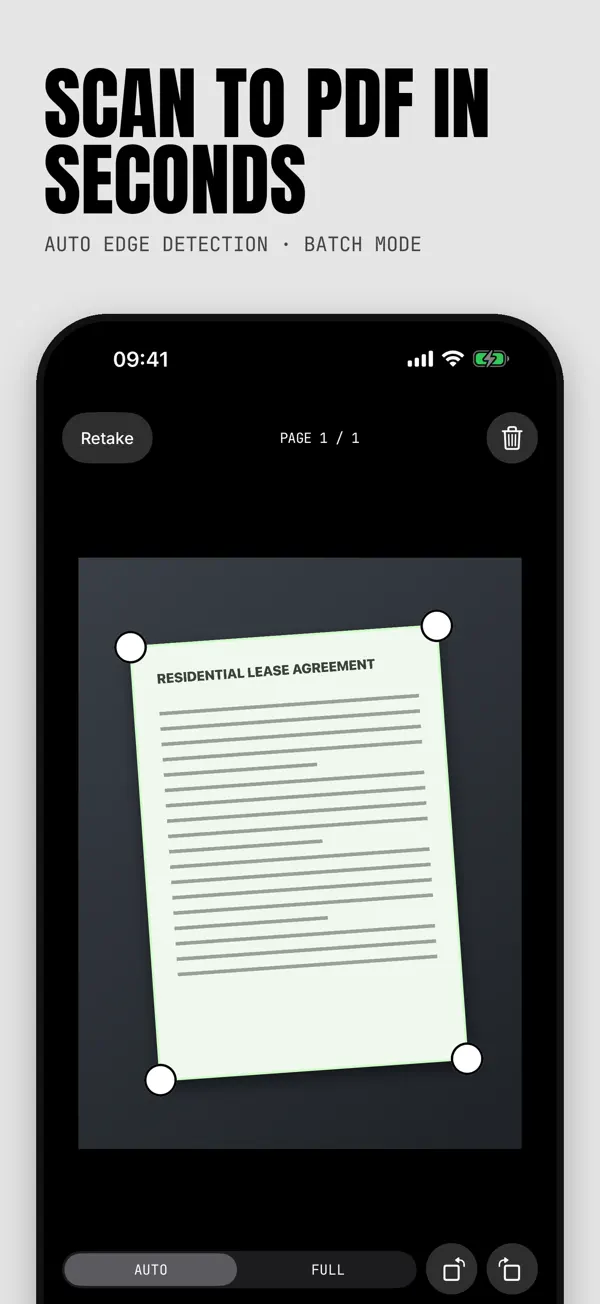
Auto edge detection
Hold steady and ScanDoc finds the page, flattens it and captures it for you — in batches.
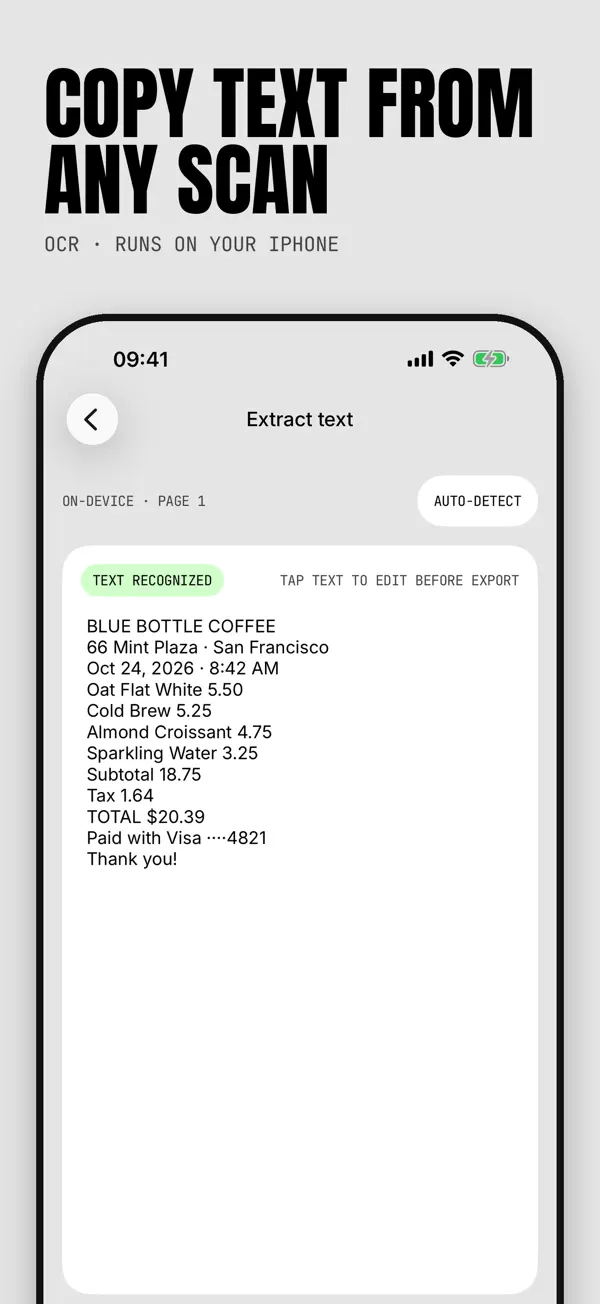
Text recognition (OCR)
Copy and search the words in any scan. Translate whole pages offline, on-device.
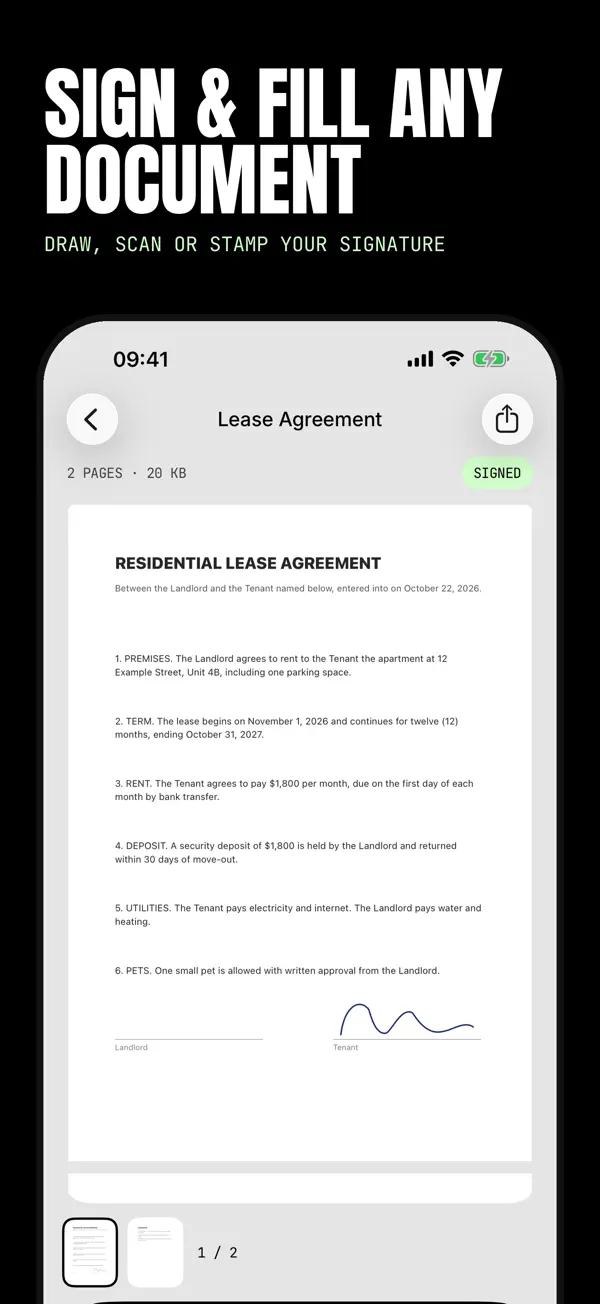
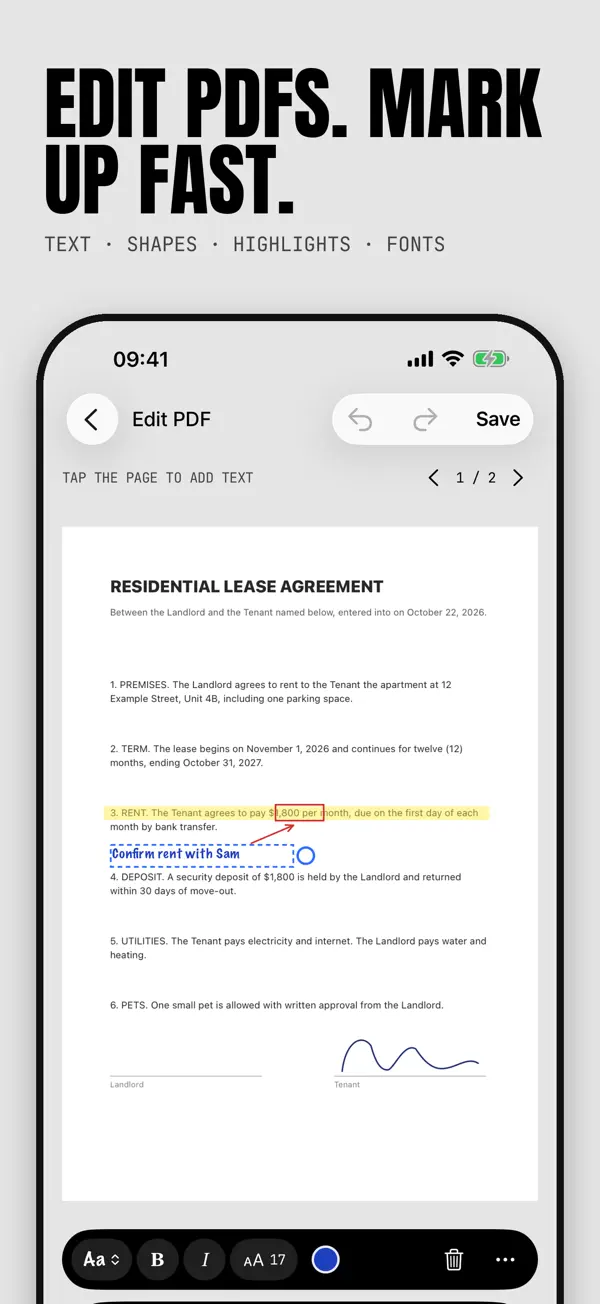
Sign & fill
Draw or import your signature, add stamps, fill in forms and tick boxes.
Convert anything
Photos, Word, Excel and PowerPoint to PDF — or export to JPG, Word or TXT.
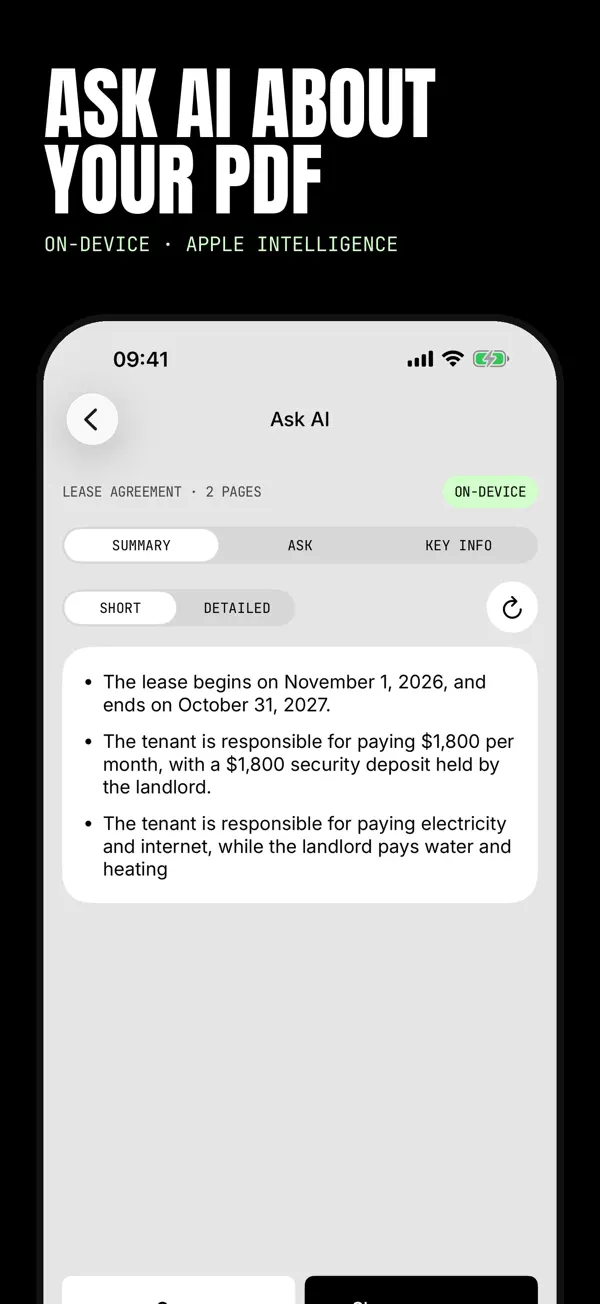
Ask AI
Summarize a document, ask questions and pull out key dates and amounts with Apple Intelligence.
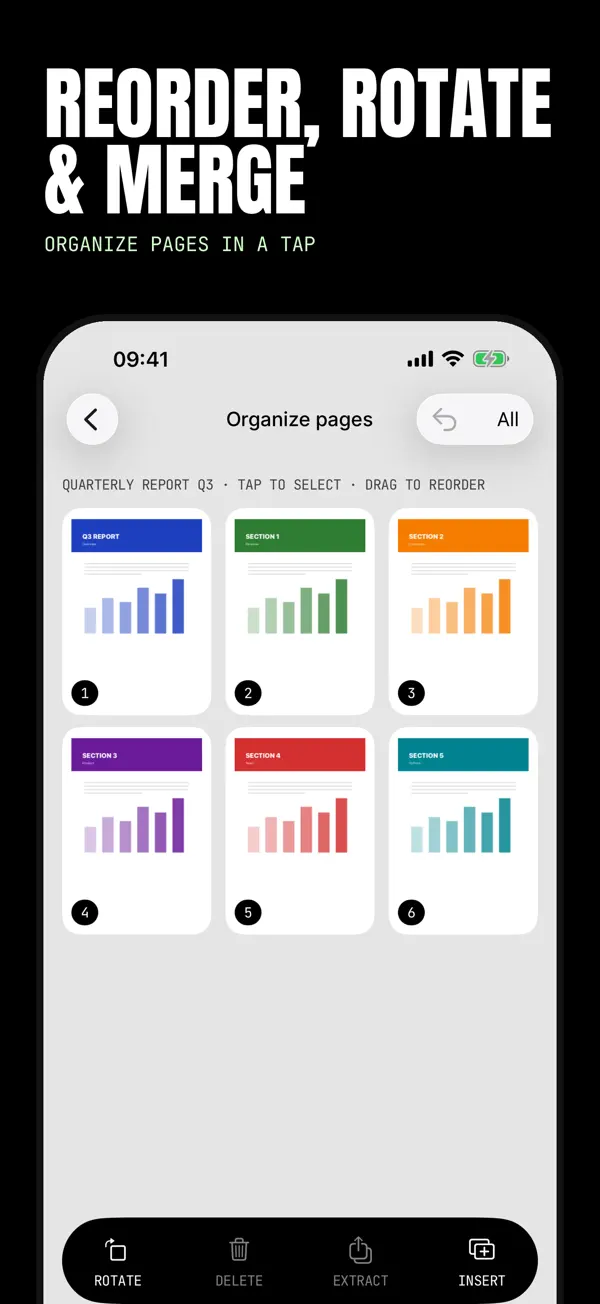
Merge, split & share
Reorder pages, compress large files and send to Mail, Files, Messages or print.
Point your camera
Edges are detected and the page is captured automatically.
Enhance & sign
Crop, apply a filter, sign it or pull out the text.
Share as PDF
Send it by Mail or Messages, save it to Files or print it.
See it in action
Scroll through the screens
Questions
How do I restore a purchase?
Open the app’s settings and tap Restore Purchases while signed in with the same Apple ID you used to buy.
Where can I get help?
Use the Support link below — your email opens with the app name already filled in.