
MemoGo
Play online in private rooms
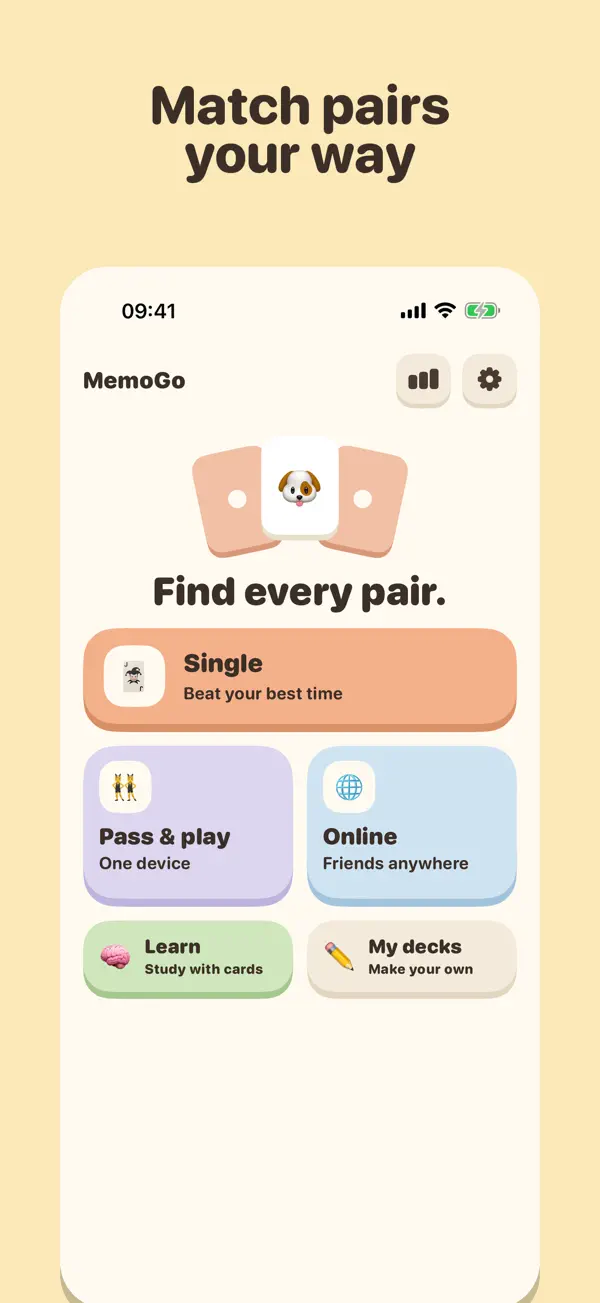
MemoGo is a card-matching game for sharp minds. You can play alone, with friends on one phone, or online in a private room.
About the app
Play online in private rooms
MemoGo is a card-matching game for sharp minds. You can play alone, with friends on one phone, or online in a private room.
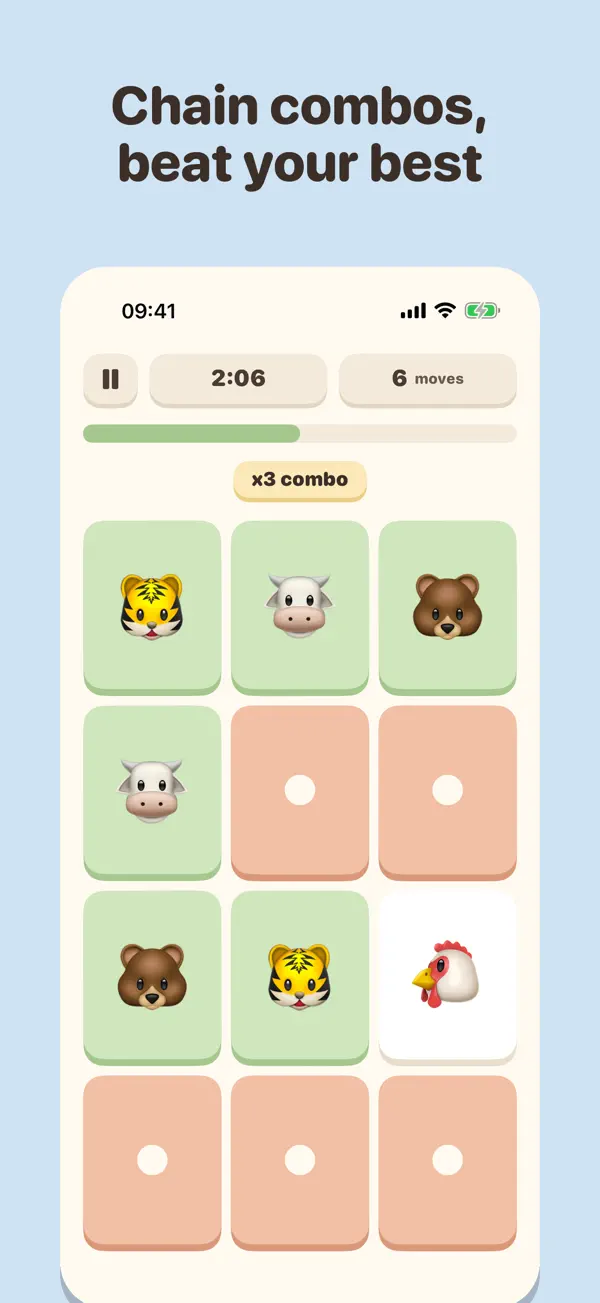
Flip two cards. Find the match. Clear the board.
Five Ways To Play
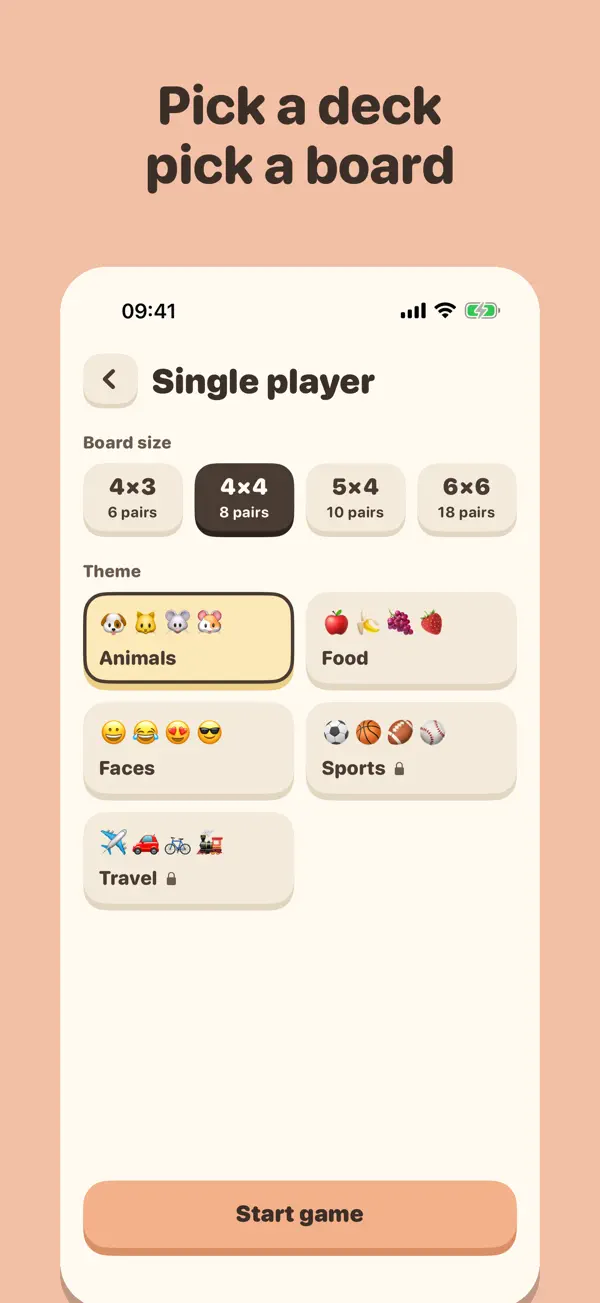
- Single player: chase 3 stars and beat your best moves and time, on boards from 4×3 up to 6×6.
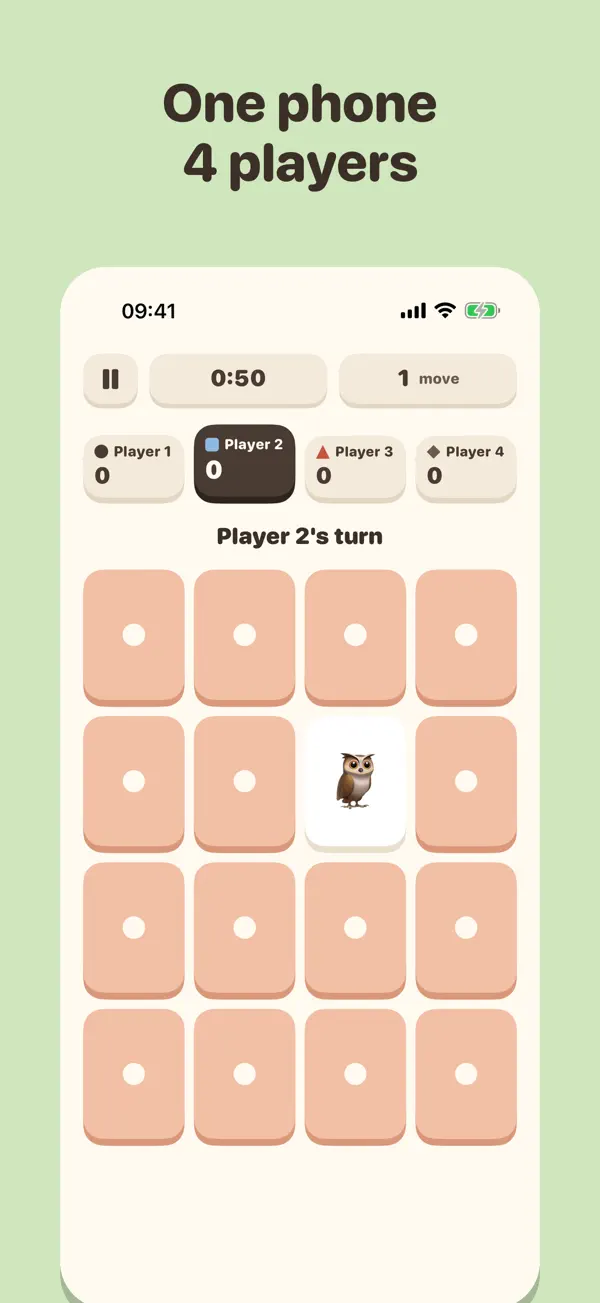
- Pass & play: 2 to 4 players share one device. Find a pair and go again.
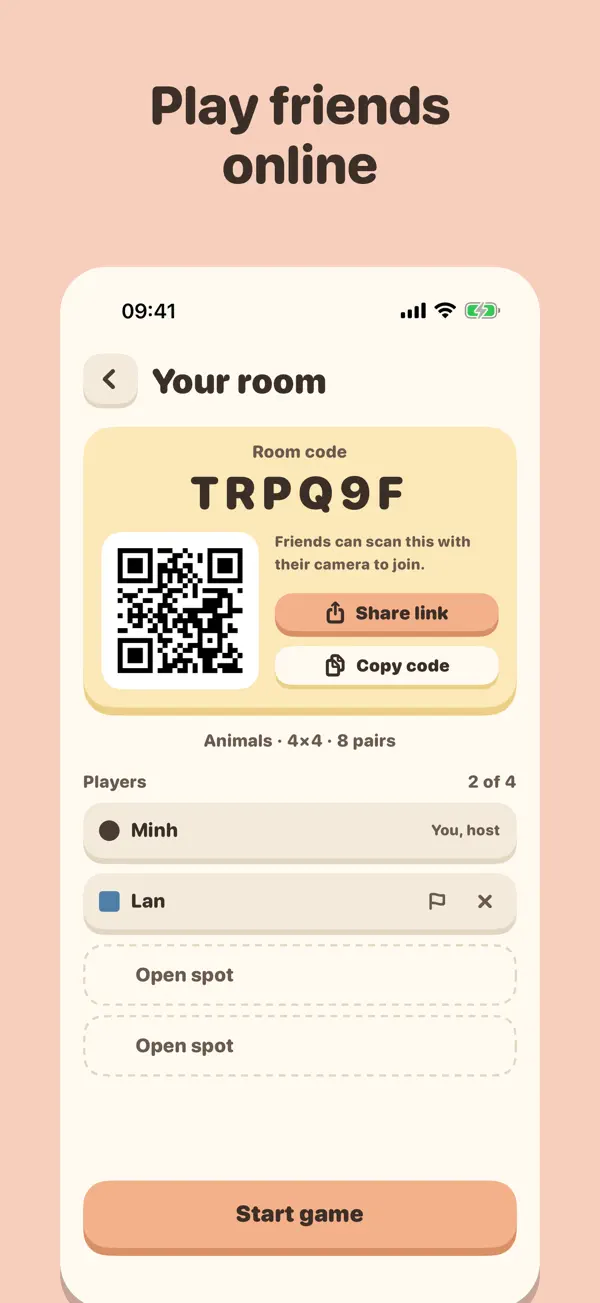
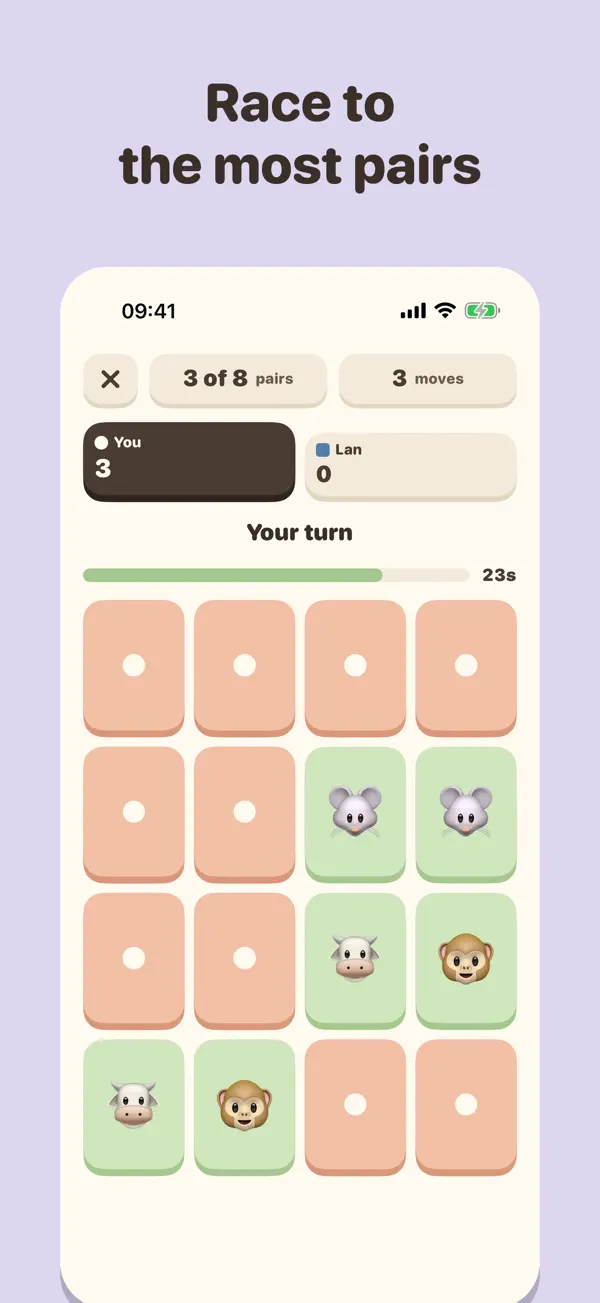
- Online with friends: create a private room, share the 6-character code or a link, and race 2 to 4 friends to find the most pairs. Turns last 30 seconds, and a rematch is one tap away. No sign-up: pick a nickname and play. Friends who join your room play free.
- Your own decks: turn words, emoji or your own photos into a card deck. Paste a whole list, or pick many photos at once. MemoGo crops each photo to a square, centred on the face or main subject. Decks with photos stay on your device and can’t be played online.
- Learn: study any deck as flashcards with spaced repetition, so what you practise comes back just before you forget it.
Made To Feel Good
- Chunky pastel design, in light and dark mode
- Haptics, sound effects and gentle background music, each one optional
- VoiceOver, Dynamic Type and Reduce Motion supported
Free To Play
MemoGo is free with ads. Ads appear only after a finished game, never during one. MemoGo Pro removes all ads, unlocks every deck and lets you create unlimited decks of your own. Choose a monthly or yearly subscription, or buy Pro once for life.
- Subscription details: payment is charged to your Apple Account when you confirm the purchase. Monthly and yearly Pro renew automatically unless you cancel at least 24 hours before the end of the current period. Manage or cancel any time in Settings > Apple Account > Subscriptions. The one-time lifetime purchase does not renew.
See it in action
Scroll through the screens
Questions
How do private rooms work?
Create a room, share its code with friends, and play the same board together. Only people with the code can join.
How do I restore a purchase?
Open the app’s settings and tap Restore Purchases while signed in with the same Apple ID you used to buy.
Where can I get help?
Use the Support link below — your email opens with the app name already filled in.